• Photography
  • Interviews
  • Business
  • Reviews

Tiffinbox

Inspiring Photographers

  • Home
  • About
  • Blog
  • Contact

Arielle Doneson, Inspire Interviews: Episode 10

December 5, 2014 by Seshu | Editor & Publisher

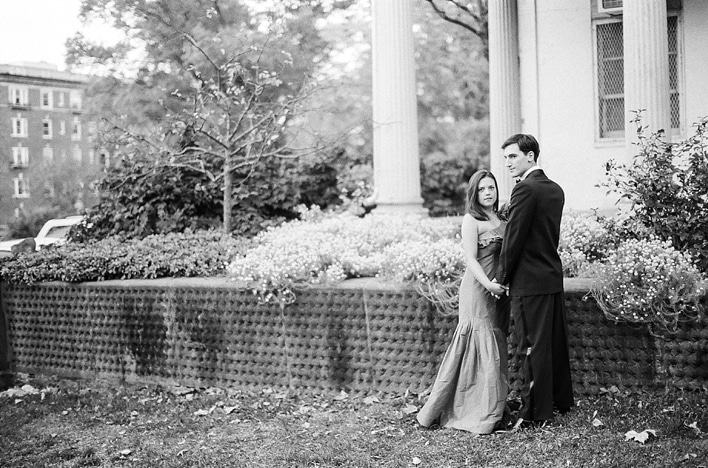
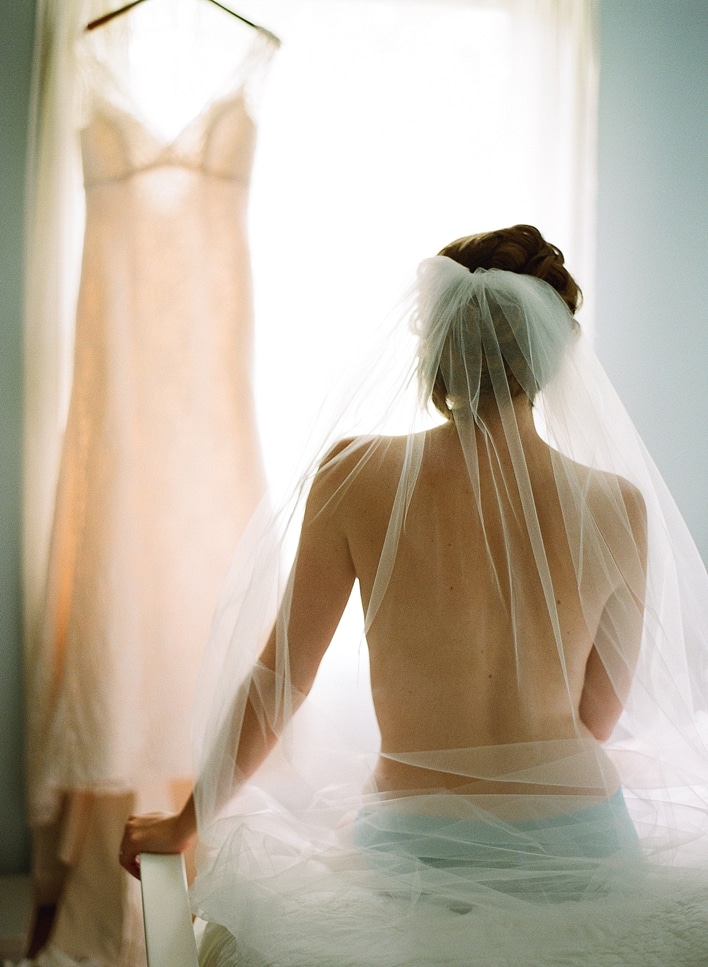
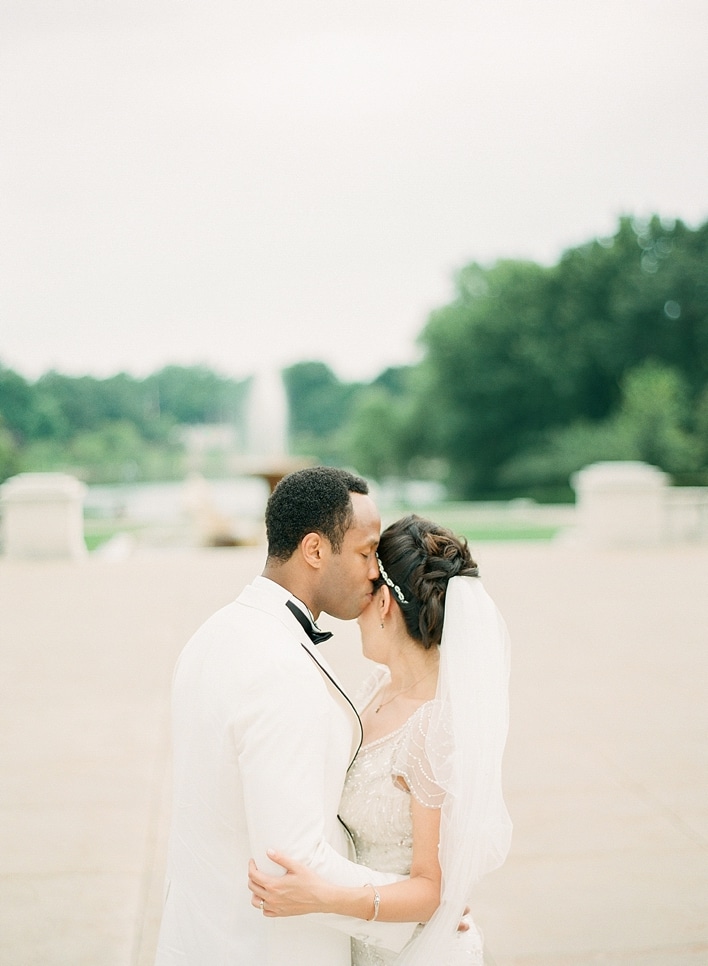
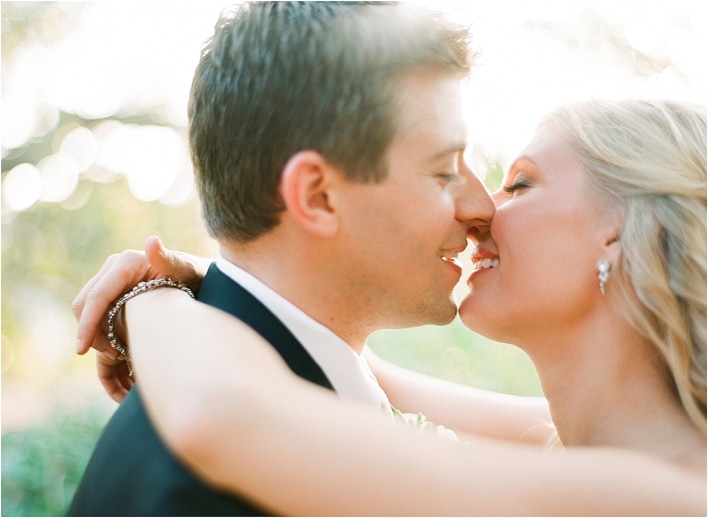
Arielle Doneson is a wedding photographer based in Boston, Massachusetts. She prefers to shoot film over digital. That alone should pique your interest in our chat below.
Inspire Photo Retreats - February 9-11, 2015, Portland, Maine

Arielle is also going to be presenting at Inspire Photo Retreats. It's in Portland, Maine. I hope you will join us. Spots are limited and they are on track to sell out. I strongly suggest you register for this truly unique conference today.

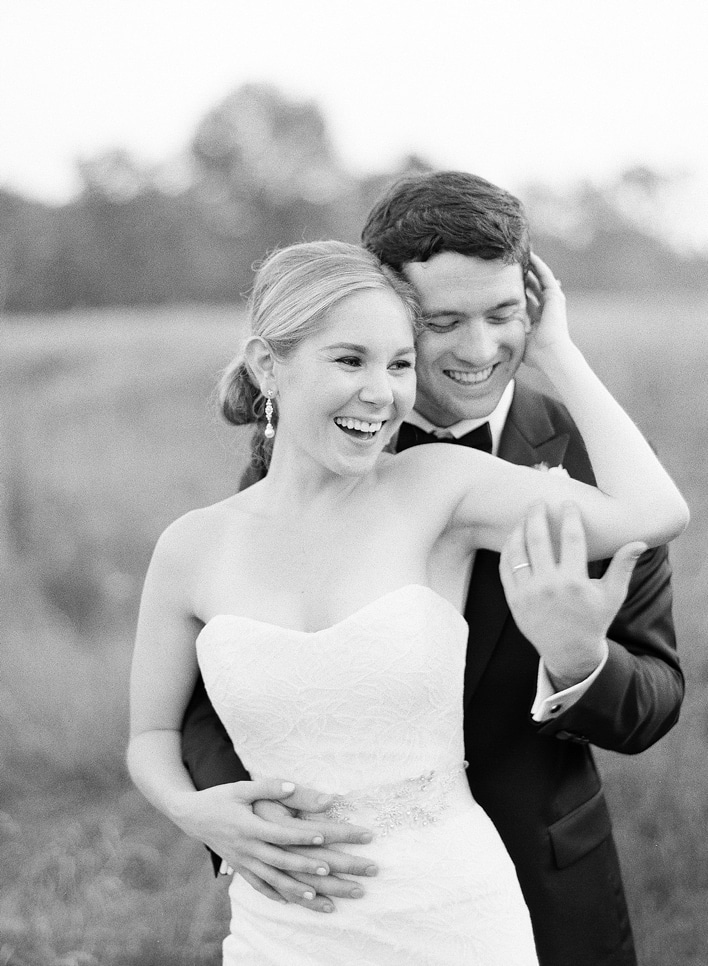
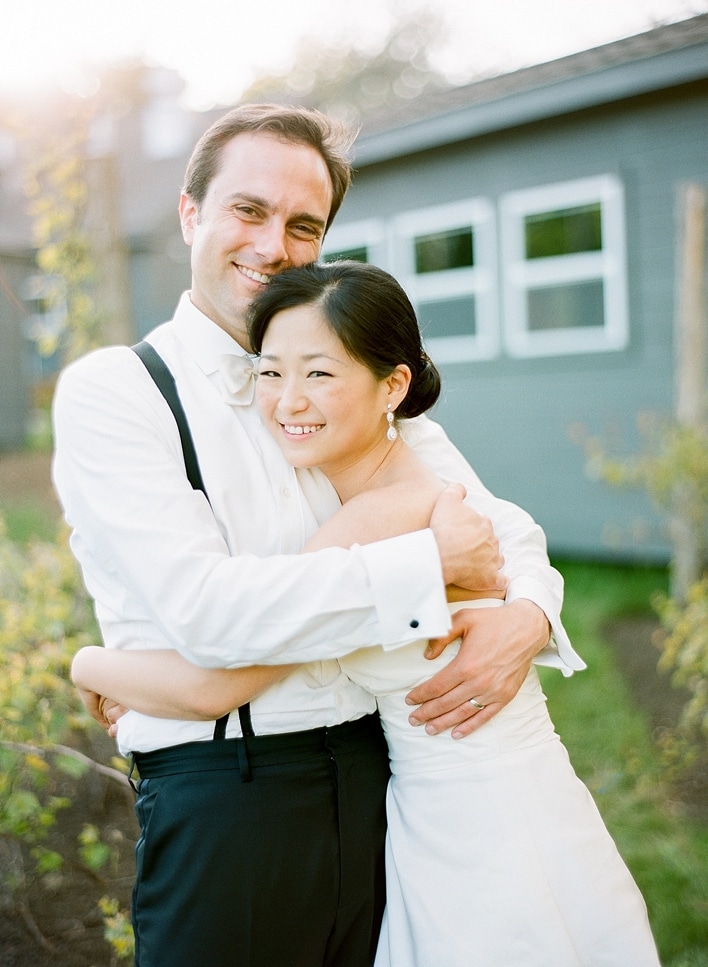
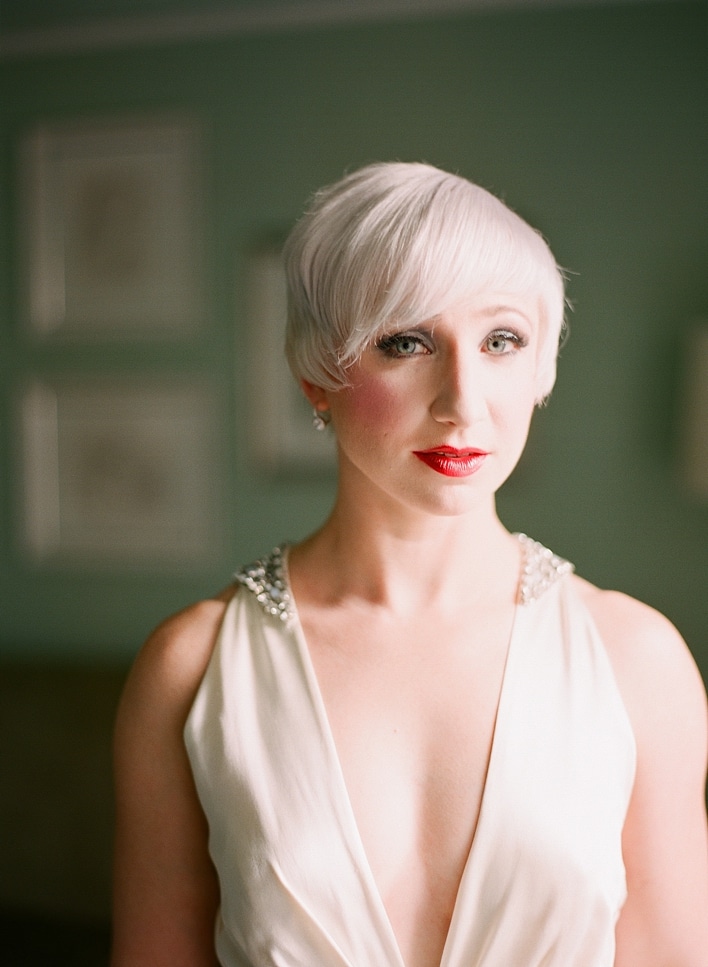
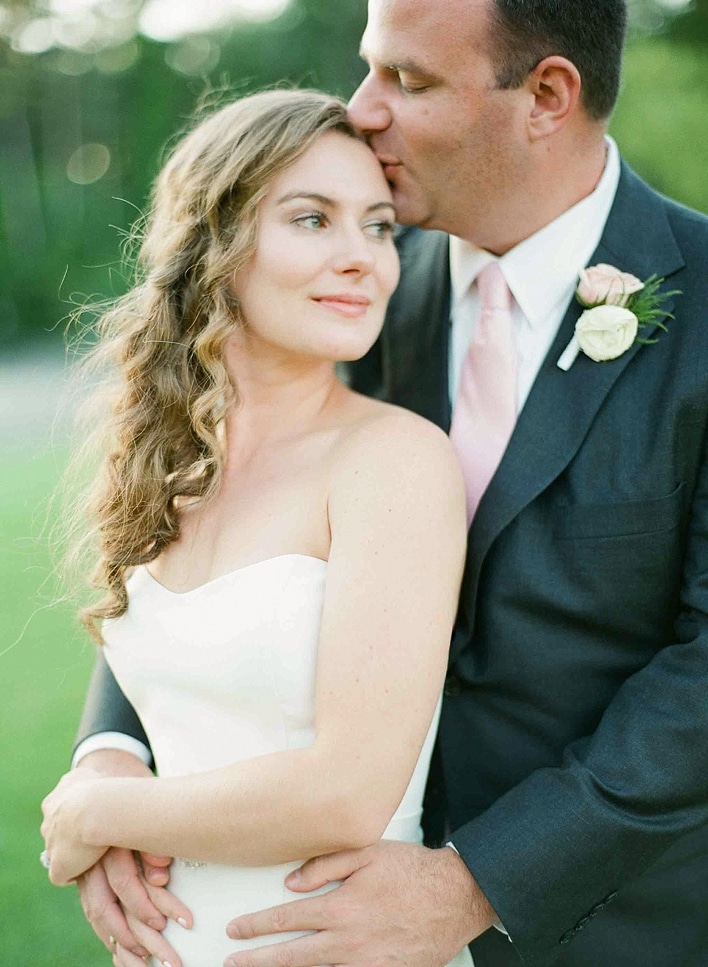
Please take a moment to view and enjoy Arielle's lovely wedding photography below:
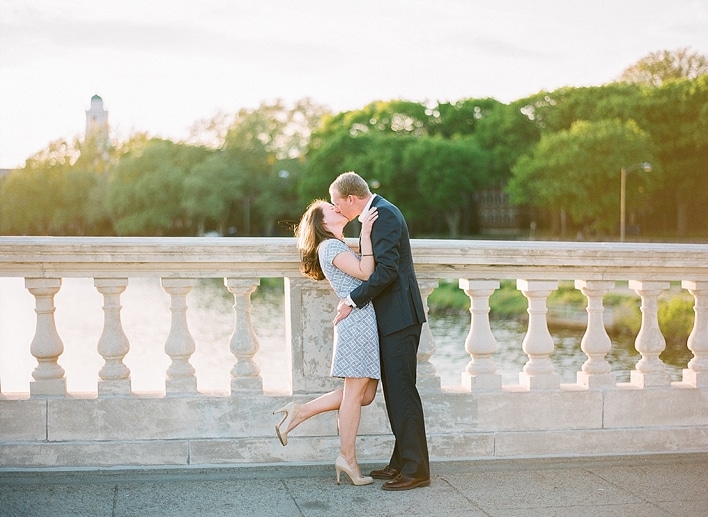
Arielle Doneson, Boston Wedding Photographer

Arielle Doneson, Boston Wedding Photographer

Arielle Doneson, Boston Wedding Photographer

Arielle Doneson, Boston Wedding Photographer

Arielle Doneson, Boston Wedding Photographer

Arielle Doneson, Boston Wedding Photographer

Arielle Doneson, Boston Wedding Photographer

Arielle Doneson, Boston Wedding Photographer

Arielle Doneson, Boston Wedding Photographer

Arielle Doneson, Boston Wedding Photographer

Amazing right? Click the graphic below and you'll be quickly transported to the Inspire Photo Retreats website where you can find out more about the gathering and you can sign up to attend. If you are in the intimate crowd who will be attending, please do come up to me and say hello!!
Inspire Photo Retreats - February 9-11, 2015, Portland, Maine

Filed Under: Conferences, Home Middle Left, Interviews, Photography Tagged With: Arielle Doneson, Boston Wedding Photographer, conference, Film, Film Camera, Inspire Photo Retreats, Photography, Shoot Film, united states, Wedding Photography, Weddings

Doug Boutwell of Totally Rad, Inc., On Emulating Film

November 25, 2013 by Seshu | Editor & Publisher

I recently had a wonderful chat with Doug Boutwell, who founded Totally Rad, Inc. Scroll down a bit!

Replichrome by Totally Rad, Inc.

We spoke about Replichrome, about film emulation presets and about Photoshop actions. As a long time patron of Totally Rad (I think I own pretty much everything that they have produced), I was particularly interested in hearing Doug's thoughts on what may be coming next from Totally Rad. Totally Rad has been one of the leaders in the industry, allowing photographers Lightroom presets, Photoshop actions and some unique tools that help enhance images.

Listen to it all here:

With Black Friday and Cyber Monday right around the corner, Totally Rad, has some sweet deals where you save 35% off of everything you add to your cart. You won't be disappointed!

Choose to buy the following (which I use) right here on Friday (yes, I am inviting you all back here!) – simply click the image below and you will be taken to Totally Rad Inc.'s website! Happy shopping … and saving!

Get Totally Rad Lightroom Presets and Photoshop Actions

Filed Under: Home Middle Right, Photography, Web/Tech Tagged With: Doug Boutwell, Emulation, Emulation Programs, Film, Totally Rad, Totally Rad Inc.

Post-processing Digital Images With Visual Supply Company’s Presets For LR & ACR

November 27, 2011 by Seshu | Editor & Publisher

As a portrait and wedding photographer, it's awfully tempting to jump on the latest shining thing that comes along that claims to cut post-processing time down by a significant margin.

After all, what would you rather do, have the time to photograph or sit there in front of your machine for hours processing images? No one I know has opted to do the latter. It just wouldn't make sense to them. So, the search for that holy grail continues.

MY POST-PROCESSING WORKFLOW

My process after an event, be it a portrait session or a wedding, is to download my images off of my CF cards (for the curious, I use Sandisk 8gb Extreme III's). I cull my images in PhotoMechanic, as it allows me to quickly view my raw files and then I mark the ones I want to keep. The ones I edit out are moved into a different folder and out of sight. I then edit images in either Lightroom or Photoshop, depending on how many images there are in the “process” folder. Choices, choices. In the past, I would chug through a wedding with more 1500 images to edit. Lately, I have been thinking of sending them out to Colorati and having them tweak the images for me.

PRESETS FOR AND BY PHOTOGRAPHERS

Visual Supply Company PresetsThere is however one other option. Yes, that bright and shiny thing I mentioned earlier on. It's called Visual Supply Company, or VSCO. If you use Nikon or Canon cameras and you shoot RAW files, your ears should perk up about now. Once you've imported your raw files into Lightroom or Photoshop's Adobe Camera Raw, you are able to apply presets based on your camera's profiles. So Nikon users would use Nikon presets and Canon users would use Canon presets. A select number of Nikon and Canon cameras were used to test these presets to create custom profiles. From what I have been told, the company will continue to add more profiles as they are tested and as newer cameras come into the market. I personally like this progressive aspect of the company a lot. Here is the current list of cameras that have been profiled so far.

FIRST STEPS

From my experience with the presets (which I bought), I needed to have correctly exposed and white balanced images before beginning to work with the presets. So, that should be your first step (getting the exposure right in the camera) and then batch correcting the white-balance, if you have that option after you get home.

EMULATE THE LOOK OF FILM

I don't know about you, but I started out in photography using film. I have shot untold number of rolls of Kodak Tri-X and T-Max 3200. I miss the rich, textures that digital files have all but obliterated. Yes, in the words of Jonathan Canlas or Kirk Mastin (both awesome film-only photographers), I could pick up a film camera again instead of making a digital file look like film. They have a point. Yes, I could do that. But VSCO gives me the opportunity to emulate the look of film without the added expense of working in that wonderful medium. For me, it's really the best of both worlds.

BLACK & WHITE EXAMPLE

>Straight Out Of Camera, or SOOC

Couple In West Hartford Library - VSCO | Straight Out Of Camera Image

>First Tweak – Just Clicked on the TriX-400++ Preset

West Hartford Portrait Session | Visual Supply Company TriX-400++ Preset

>Second Tweak – Used the Vignette++ Preset

West Hartford Library Portrait Session | Visual Supply Company Vignette++ Preset

>Third Tweak – Used the Dark Skies+ Preset (notice how the t-shirt in this is darker?)

West Hartford Couple Portrait Session | Visual Supply Company Dark Skies+ Preset

So, in three clicks, I arrived at what I consider to be an acceptable final image, ready to be shared with my clients. The images will definitely go through another round of tweaks, in Photoshop if the clients were to order this image.

COLOR EXAMPLE

>Straight Out Of Camera, or SOOC

Senior Portrait Session In Canton, Connecticut | Straight Out Of Camera

>First Tweak – Clicked on the Kodak Portra and Contrast++ presets

Portrait Session In Canton, Connecticut | Visual Supply Company Kodak Portra & Contrast++ Presets

>Second Tweak – With the above image being a little “hot” in the highlights, I used the “recovery” slider to bring back some highlight detail.

High School Senior Portrait Session In Canton, Connecticut | Visual Supply Company Recovery Slider

>The Final Image – Took this image into Photoshop and used brushes to smoothen out natural blemishes, bring some light back into the eyes and sharpen the image up.

Final Image From Senior Portrait Session In Canton, Connecticut | Tweaking Images In Photoshop

For both sets of images, I used the Visual Supply Company Studio Version. I also processed the images in ACR. With the processing engines the same in both ACR and LR, sometimes it is more convenient to fire up ACR (for a small set of images) versus Lightroom (which I use for image sets that are 100 or more). Wanting to emulate the film look, I was more enamored by the way VSCO's Film helped me produce black and white images. In fact, I might use this almost exclusively to create black & white prints for my clients.

IS THIS FOR EVERYONE?

In one quick answer, no. It's not. I would recommend you look at your needs first. Figure out whether your clients (if you are a professional) would not just see but also appreciate the look you will be producing for them. If you are an amateur or hobbyist, just looking to create images with a different look, these presets will help you achieve that. Let me put to you even more simply – if you are inclined to produce images that you want people to merely look at, then you should pass on this. However, if you are the type of photographer who wants your viewers to dip into a well of emotion and feel the image, then you should definitely buy these now.

THE SWEET DEAL THAT ENDS ON NOVEMBER 29th!

Until Monday night (that's tomorrow night), you can get the Standard, Pro and Studio versions for quite a bit off of their regular prices. I bought the Studio version as it includes both the Lightroom and ACR options for both Nikon and Canon cameras. In the event I work with a photographer who shoots with a Canon system, I can now very easily tweak her/his images as well. If your business is primarily shooting portraits, I would nudge you more towards the Pro version.

From Visual Supply Company's Twitter feed:

“All prices will increase after Monday at midnight PST #VSCOFILM. Standard $59 will be $79, Pro $99 will be $119 & Studio $179 will be $199.”

STILL NOT CONVINCED?

You should also read John Keatley's review of Visual Supply Company's Presets. And Jonas Peterson's review too. Just look at the images they have on display.

SHARE YOUR IMAGES

If you bought the Visual Supply Company presets, please share your images with me and tell me in the comments sections below which presets you liked the most. Do you use other

Disclosure of Material Connection

Filed Under: Photography Workflow Tagged With: acr, adobe photoshop, adobe photoshop lightroom, canon camera, computer graphics, digital negative, digital photography, Film, film cameras, film emulation, graphics file formats, graphics software, lightroom, nikon, Photographers, preset, process imaging, raster graphics editors, raw image format, visual, visual supply company

Nope, Film Is Not Dead

March 18, 2011 by Seshu | Editor & Publisher

I've loved Utah-based Jonathan Canlas‘ wedding photography for quite some time. I must have come across his website quite randomly about four or five years ago. His images continue to inspire me. The moments are real and the processing is just right.

Little did I know back then that he was a wholly film-based photographer. Yes, film. Some of us may remember that medium. With digital being all the rage – I mean who isn't addicted to chimping, right? – why would a photographer eschew Photoshop actions (that can make your digital images look like they were shot on film) and other “bells and whistles.” The answer is simple. Because he can, he wants to be different and his clients love him for it.

So, take a moment to look at his work again.

Now that you are back, do you see anything different? Do the images just appear more tactile, or have more depth to them? Or, is it my imagination? I believe it is the former.

Whichever way your answer sways, if you are curious about how Jonathan Canlas photographs weddings or portrait sessions using film, you have three options to learn from him.

You see, in addition to being a successful photographer, Canlas is a wonderful teacher. For several years, Canlas has offered the Film Is Not Dead workshops for those photographers looking for a solid foundation in film photography.

Canlas has also very patiently answered questions via Formspring. You should follow him on Twitter where most of these responses show up.

The last option, is a resourceful guidebook called FIND (Film Is Not Dead). There is a dedicated website where you can order this truly comprehensive offering. Jonathan generously offered me a review copy and I just got done reading it. As a photographer who cut his teeth on Tri-X and TMAX 3200, a lot of what he had to say in the book was not new to me. As a mostly 35-mm film photographer, though, I learned a great deal about medium-format cameras. So much so that I am now actively looking for a used Yashica-Mat 124-G.

Here is a breakdown of the table of contents:

Jonathan Canlas' Film Is Not Dead PDF Table Of Contents

This is a 95-page e-book that is sprinkled with great wisdom and some jaw-dropping images. If you are clueless about working with film, because you simply never had the opportunity or were too intimidated, then you need to run out and get this hefty PDF. Unlike other PDFs that may discuss a particular type of digital technology that is sure to change over time, I feel what Jonathan Canlas has produced for us will be as timeless as his own work. Indeed, its his generous spirit that allows us to share his vast knowledge about a medium long thought of as “old,” or worse, “dead.”

Thanks to companies like Kodak and Ilford, who continue manufacturing film, Canlas feels strongly that he will be working in that medium for a very long time and now so can you.

Buy the Film Is Not Dead guidebook by using the code “SESHU” and receive $45 off the final price. All I ask in return is that you subscribe to the Tiffinbox newsletter. Goodies like this will only be available in the future for my newsletter subscribers so you may want to get a headstart.

Full disclosure – I received a review copy of this PDF, but I don't make a dime for mentioning it here on Tiffinbox. If you liked this review and bought the PDF, please come back here and post your comments. I'll try and have Jonathan swing by and answer any questions you may have.

Filed Under: Books, Film, Photography Tagged With: camera, dead, digital imaging, Film, film formats, film photography, jonathan, jonathan canlas, mass media, medium format, photographer, Photography, Portraits, resource guide, resource guides, used film, Wedding Photography, yashica

Dark Days for a Wet Darkroom

September 1, 2003 by Seshu | Editor & Publisher

I remember the days in a Maine darkroom where I recklessly spooled my Tri-X onto steel reels and taped the cans down for good measure. Of course, I practiced threading dry exposed film but with the lights out in a stuffy closet-like room, it made it almost impossible to get it right the first time. I grabbed the film by its edges, bent it slightly and hooked the sprockets onto the prongs on the reel. Sometimes it caught. Sometimes I thought it caught. I spent an inordinate amount of time rolling and re-rolling film. That was just the first of many challenges with film. The good folks in Rockport were both meticulous and strict about their film development. No sooner had I learned to spool film, I was confronted by the idea of getting my chemistry just right in temperature and volume. Too warm and I would nuke my film. Too cold and it would take me eons to finish.

Getting the chemistry just right was just the start. Film had to be agitated just so (a source of great mystery even to this day) and I followed along and got into a system of ‘swish-swish-rotate-swish' every minute.

But all of this is old hack. It had to happen. Digital is now firmly established in our collective consciences. Is it the death knell of film? That's for time to figure out. I still shoot film. But click here and you will see why I raced to jot a few thoughts down.

Filed Under: Photojournalism Tagged With: development, digital photography, Film, processing

Subscribe To Tiffibox Treats!

Looking for a well-curated email newsletter that will leave you inspired and motivated about your photography business? Sign up below!

About Seshu

Seshu creates relaxed portraits of families and high school seniors in Avon, Connecticut. He also leads a successful headshot photography studio in Connecticut, helping professionals from a variety of disciplines project the very best versions of themselves. He created Tiffinbox as a way of inspiring photographers, to create better images and successful businesses. [Read More]

Email Templates For Headshot Photographers

Email Templates for Headshot Photographers

Recent Posts

  • How Capture One Changed My Event Photography
  • 10 Steps To Stay Positive In Times Of Great Stress
  • Why You Need To Read “Personal Branding For Photographers” Now
  • How To Master Your Website Content Step By Step?
  • Tony Taafe’s TNT Method For Headshot Photographers

Recent Comments

  • Stephen Davison on Are You A Business Owner Who Is Smart, But Stuck?
  • Ben A. on Don Giannatti Clinches The 8th Annual Tiffinbox Award
  • Dan on Don Giannatti Clinches The 8th Annual Tiffinbox Award
  • Donald Giannatti on Don Giannatti Clinches The 8th Annual Tiffinbox Award
  • Stephen Davison on G.E. Masana’s 6 Strategies For Wedding Photography Success
  • Naveen Kumar on Weddings In India Are More Than Being At The Right Place And At The Right Time
  • kartick on Weddings In India Are More Than Being At The Right Place And At The Right Time
  • Leonid Farbman on 6 Uncommon Trends To Grow Your Photography Business
  • Willow and Finch Wedding Photography on 11 Reception Tips To Help Your Wedding Photography
  • Web Designer Malaysia on How To Optimize Your Squarespace Website For Search Engines
  • Creastan on An Interview With Photojournalist G.M.B. Akash
  • Cindy Brown | Atlanta on An Open Letter To A Local Photographer

Become a Patron!

Copyright © 2026 · Tiffinbox · Site Design by Heather Mackan Creative · Built on Genesis